

English
Sending Documents to Sign
Sending Documents to Sign
After adding or modifying the fields in the documents of the eZsign folder, you need to send the documents to the signers for them to sign.
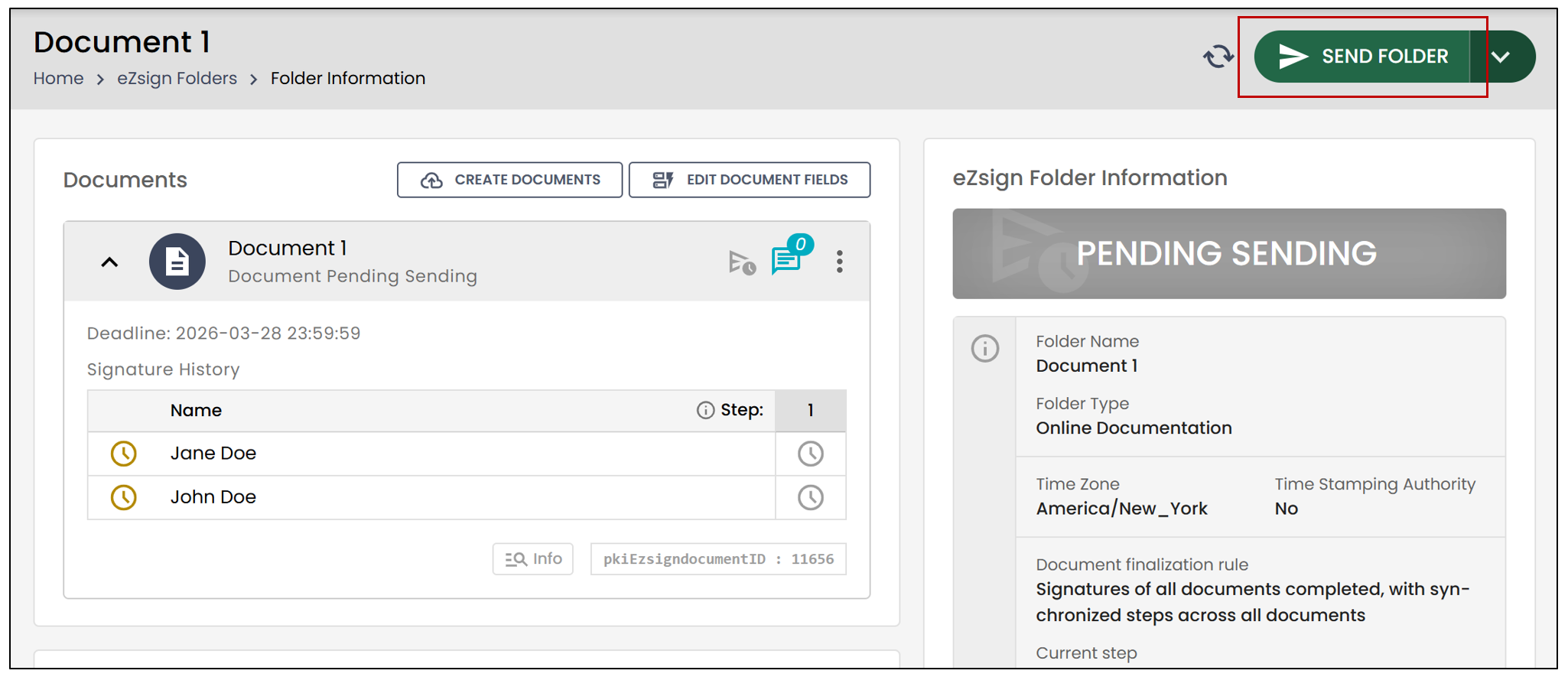
From the left menu, click on eZsign Folders and select the desired folder.
Click on Send folder.
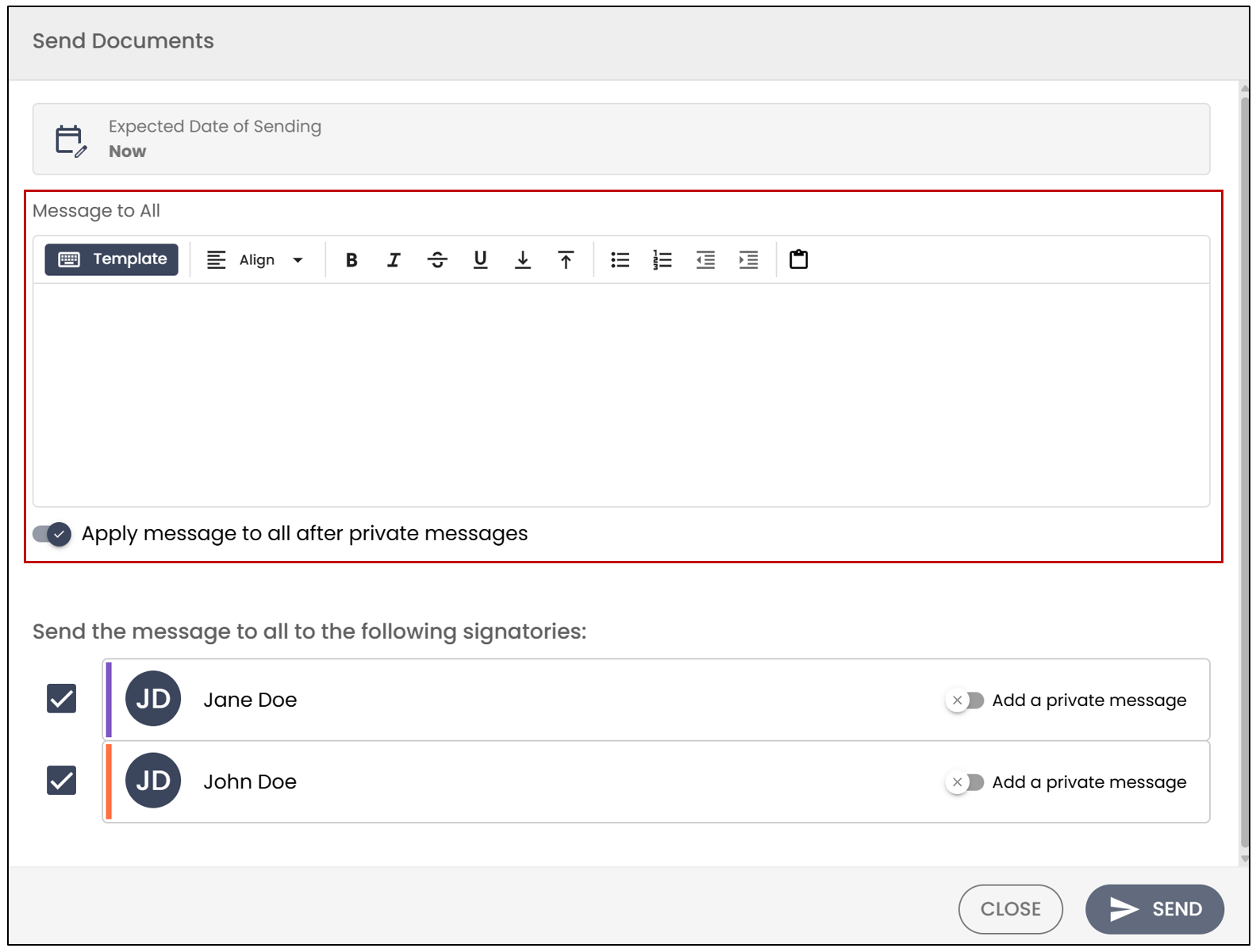
The signers for the documents to be sent now will be checked by default.
You can write a Message to All (optional), which will be sent with the documents to be signed to all selected signers.
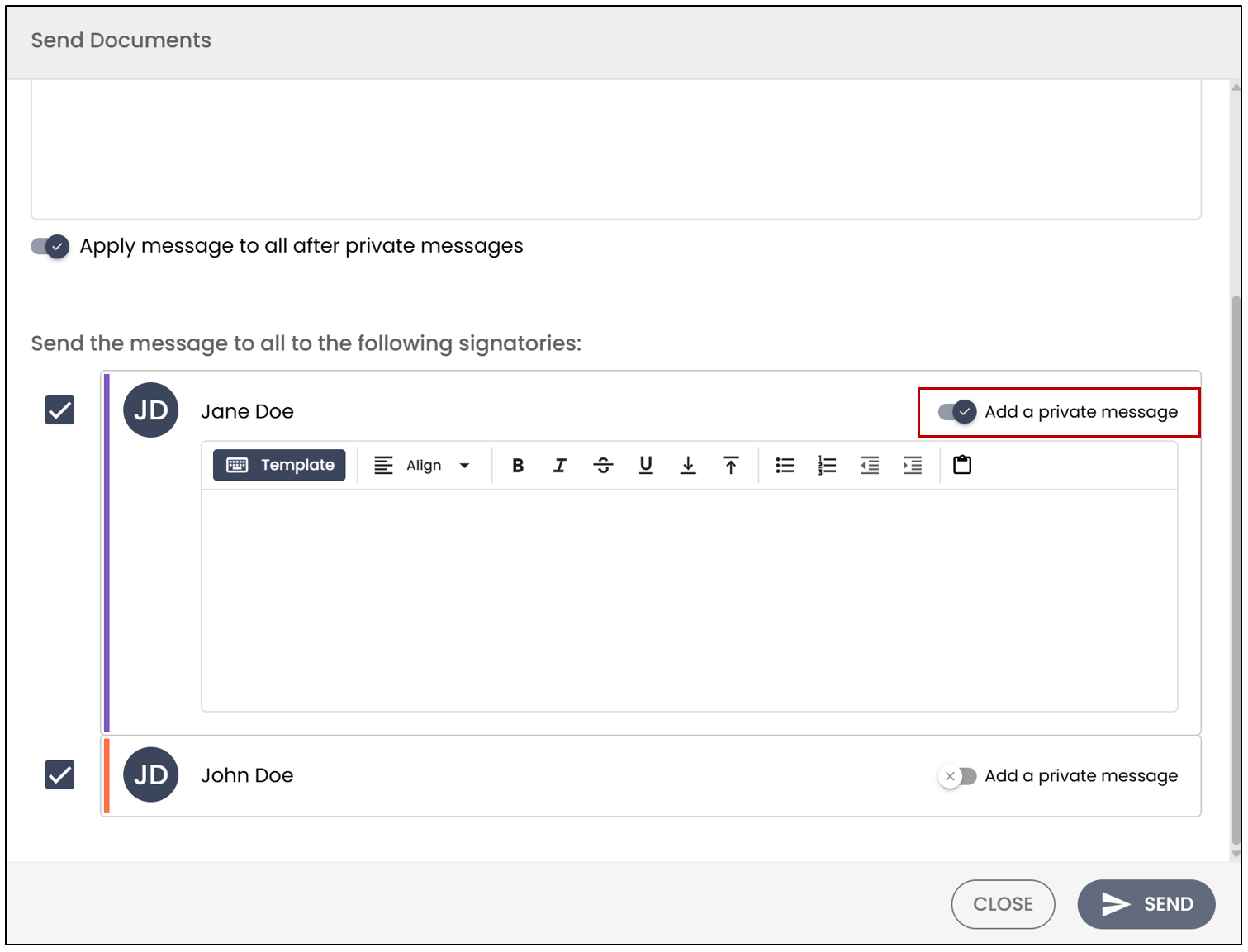
- You can write a private message to each signer by clicking on Add a private message to the right of the signer.
- Click on Send.